Muvipro Top Navigation Settings
In certain versions of Muvipro (e.g., v1.0.4+), a Top Navigation feature is available at the top of the site.
Video Tutorial
Top Navigation Functions
- Displays an additional menu at the very top of the site.
- Suitable for:
- Important links (Contact, Request Film, DMCA).
- Links to policy pages.
- Social links or brief information.
Configure Top Navigation
- Create a new menu:
- Go to Appearance -> Menus.
- Click create a new menu.
- Name it, for example, Top Navigation.
- Add items (Pages, Custom Links, etc.).
- Set it as Top Navigation:
- In Manage Locations or Menu Settings, assign this menu to the Top Navigation location (if provided by the theme).
- Save changes.
Customize Top Navigation
New Customizer Settings for Top Navigation:
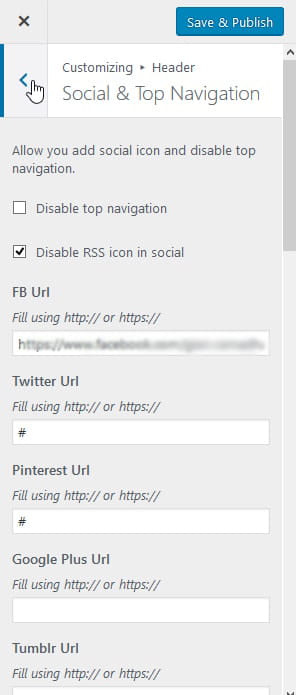
- Go to Appearance -> Customize -> Header -> Social & Top Navigation.
- Configure the top navigation as needed. Example screenshot:
Top Navigation Style Settings:
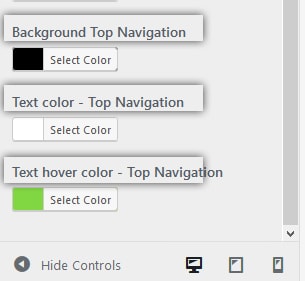
- Go to Appearance -> Customize -> Header -> Header Color.
- Configure the top navigation background and text colors as needed. Example screenshot: